







Microsoft Office 2024 vs 2021
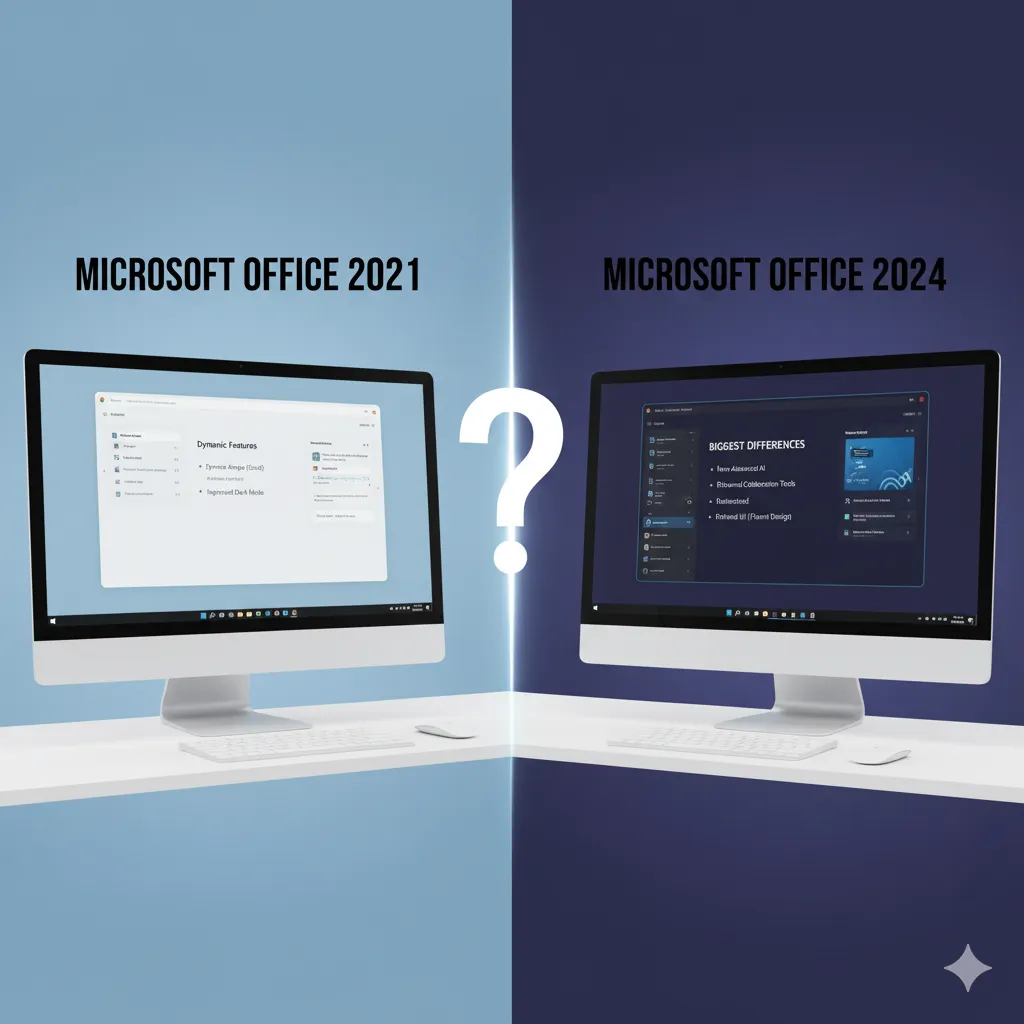
Choosing between Microsoft Office 2024 and Office 2021—both perpetual, one-time purchase licenses—boils down to whether your workflow prioritizes stability and simplicity or modern performance and AI-enabled features.
While Office 2021 introduced key modern updates, Office 2024 (often referred to as LTSC, or Long-Term Servicing Channel, for commercial use) focuses on performance optimization, collaboration enhancements, and integration of new intelligent tools.
Here are the biggest differences to consider before you upgrade.
1. Performance and User Experience (UX)
| Feature | Office 2024 | Office 2021 |
| Speed & Responsiveness | Significantly Faster. Optimized for modern hardware (Windows 11) resulting in quicker application launch times and smoother handling of large Excel files. | Stable, but generally slower with data-heavy workbooks and application loading. |
| User Interface (UI) | Refined and Modern. Features a cleaner, less distracting ribbon design with more rounded corners, aligning with the visual style of Windows 11. | Introduced the modern, flatter look but lacks the minor visual refinements and fluidity of 2024. |
2. Feature Enhancements and Intelligent Tools
Office 2024 integrates new tools aimed at improving productivity, often leveraging AI:
- AI Integration: Office 2024 includes AI-enabled features (or better support for them) across apps, such as enhanced grammar suggestions in Word and more intelligent data analysis functions in Excel.
- Excel Enhancements: Office 2024 builds upon the Dynamic Arrays introduced in the 2021 version with even more analysis tools and new functions.
- PowerPoint: Offers slicker animation options and more sophisticated design recommendations not found in Office 2021.
- Accessibility: Office 2024 heavily improved accessibility tools, including better screen reader support and more robust dictation features across the suite.
3. Collaboration and Cloud Integration
While perpetual licenses are designed primarily for local, offline use, Office 2024 enhances cloud capabilities for hybrid work environments:
- Real-Time Co-authoring: Office 2024 provides smoother, more responsive real-time co-authoring on documents saved to OneDrive, making collaboration more seamless than in 2021.
- Microsoft Teams: Offers better integration with the desktop version of Microsoft Teams, including the ability to start a Teams meeting directly from the application window.
4. Key Application Changes
The composition of the Office suite itself saw a significant change in 2024:
- Microsoft Publisher is Removed: Office 2024 (LTSC and certain retail editions) does not include Microsoft Publisher. This is due to Microsoft’s plan to retire the application entirely after 2026.
- Implication: If your business or personal workflow relies on Publisher, Office 2021 is the superior choice as it still includes the application.
5. Security and Support
- Security: Office 2024 is more up-to-date with modern security threats and generally offers better built-in protection against phishing attempts and malicious links compared to its predecessor.
- Support: Both versions offer five years of mainstream support, but the 2024 edition has a longer future lifespan (e.g., mainstream support until late 2029) compared to the 2021 edition.
The Final Verdict
| Choose Office 2024 if… | Choose Office 2021 if… |
| You want the best performance on a modern PC. | You need Microsoft Publisher for desktop publishing tasks. |
| AI and modern collaboration are important for your daily workflow. | You prefer maximum stability and do not require the latest cloud/AI features. |
| You seek the longest support lifespan from a one-time purchase. | You have an older PC with lower system requirements. |


AutoDesk